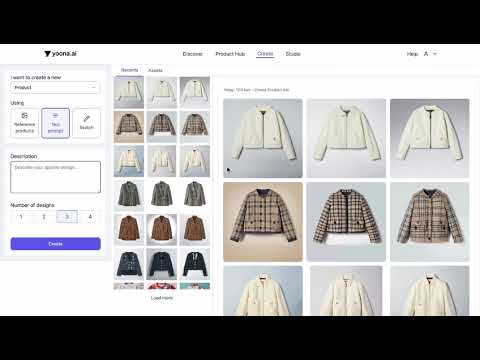
Generate Fast Alternatives with the Variations by Random tool
Need quick alternatives for a single design? The By Random option in yoona's Variations tool creates three new ideas in under a minute with no extra sketching or guesswork required.
In this tutorial, we walk through how to take one garment (in this case, a fuzzy beige wool coat) and instantly generate three fresh design variations using AI. The tool can explore new lengths, button arrangements, sleeve shapes, pocket placements, silhouettes, or even subtle pattern and texture ideas, all while staying true to your original design.
What you’ll learn in this video:
✓ How to use the Variations → Random option
✓ How to upload your design from the Recents library
✓ How yoona.ai generates multiple variations from a single input
✓ Why this tool is great for collection development and quick ideation
✓ How designers use AI to explore alternatives before sampling
This is one of the easiest ways to spark inspiration, refine key items, or test new directions for your collection without spending hours redrawing details.